Finish helpful chores
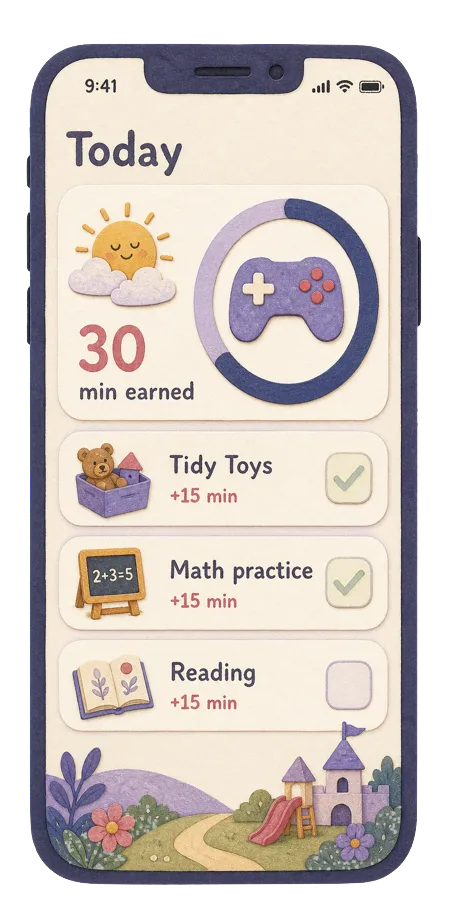
Their responsibilities count toward screen time, with clear benefit a young child can understand.
For kids pre-K to 2nd grade
Screens can save a hectic afternoon and help young kids advance in academics and arts. The hard part is the handoff: when "five more minutes" turns into a negotiation, and the healthy routine you meant to keep gets hard to follow.
Our app is in active development, and we are looking for early adopter parents to help us build the best product.
Who is it for?
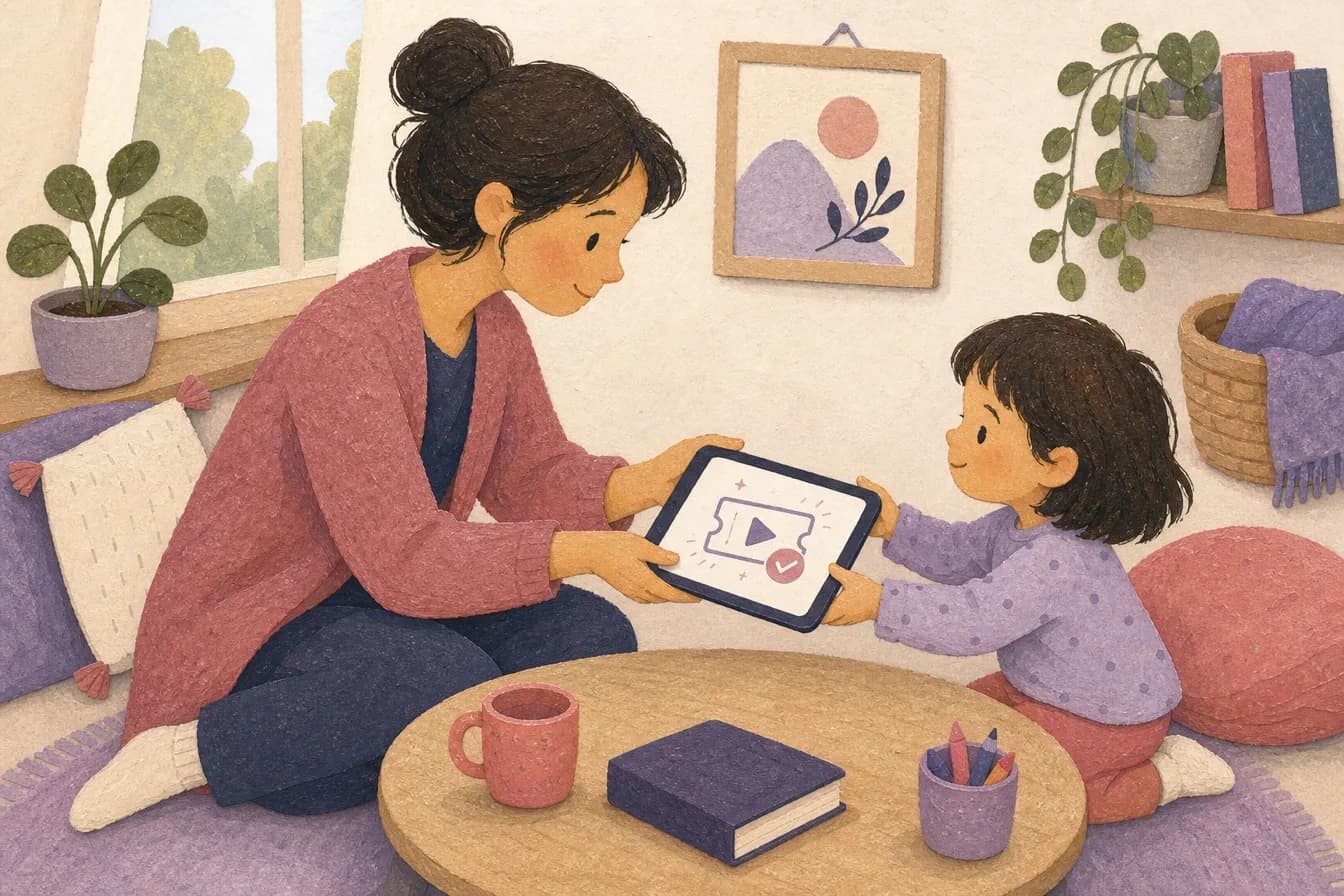
For parents who know screens can rescue a long afternoon, but do not want every handoff to become a tiny power struggle.
They understand the reward, but need help learning a healthy routine.
Nobody wants to be the bad guy. Let our app do the enforcement.
When an iPad or parent phone gets passed around, disable all the apps they shouldn't have access to.
Earn first
The routine starts with positive actions parents want to encourage, then turns the reward into something easy to see.
Their responsibilities count toward screen time, with clear benefit a young child can understand.
Make math, phonics, or other approved learning apps the warm-up before games and videos.
If your child is already an early reader, you can add reading exercises. They will adapt to their level automatically.
How it works
The core flow is simple: set the plan, let your child work through it, approve anything that needs a parent check, then let play time start and stop clearly.
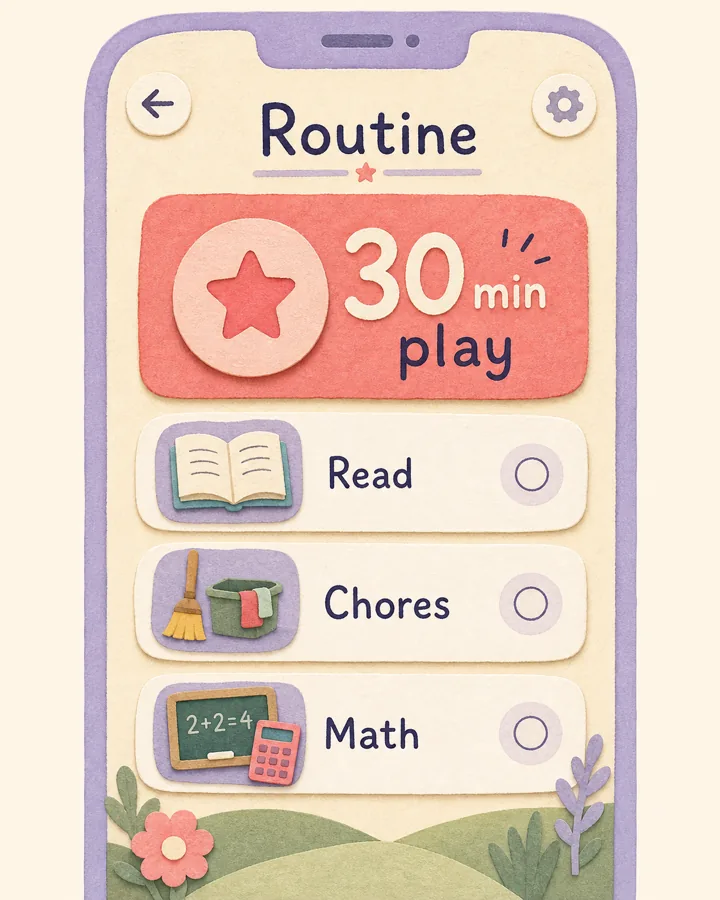
Choose the steps and the play-time reward.
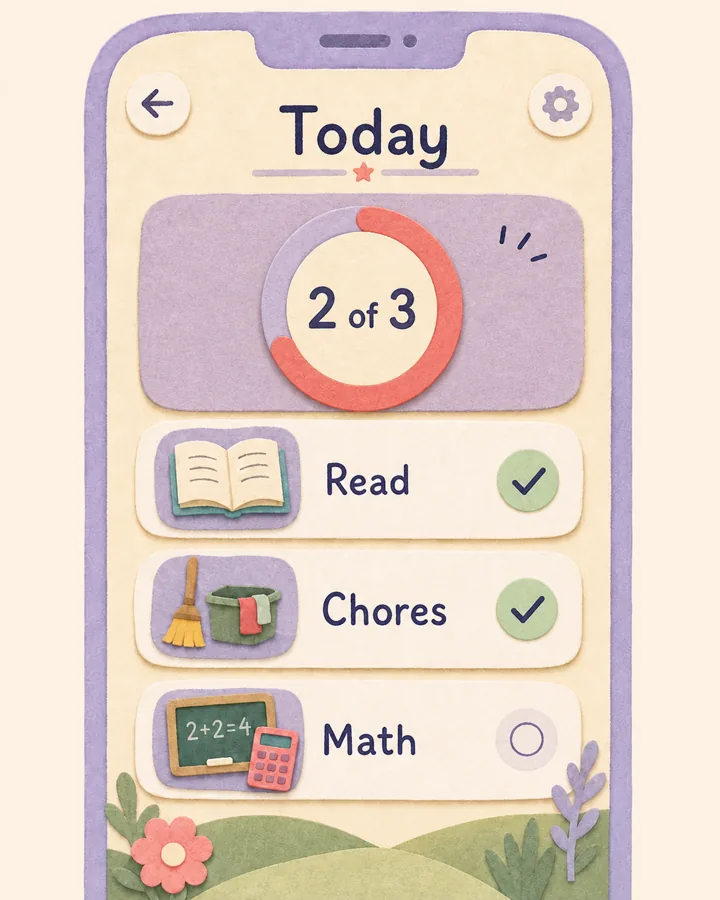
Your child sees what is done and what is left.
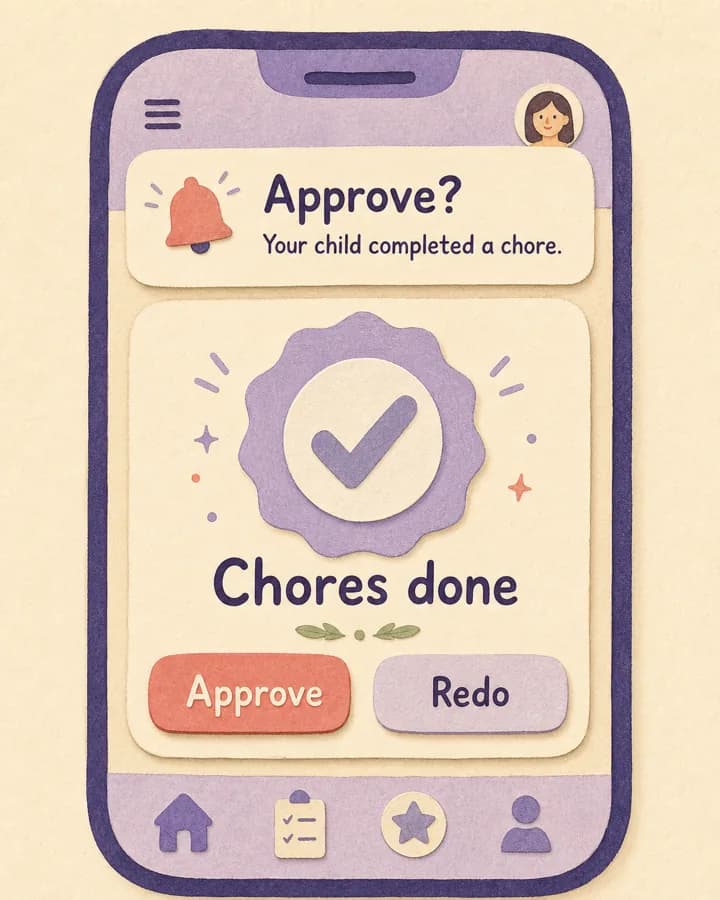
Have a parent check the work if needed.
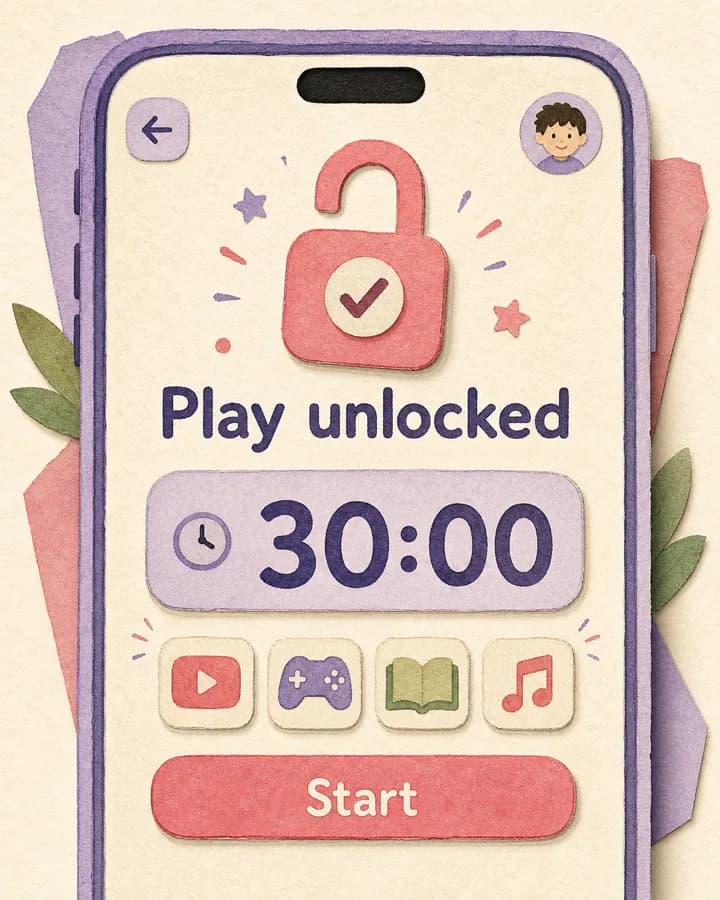
They get to play when the work is done.
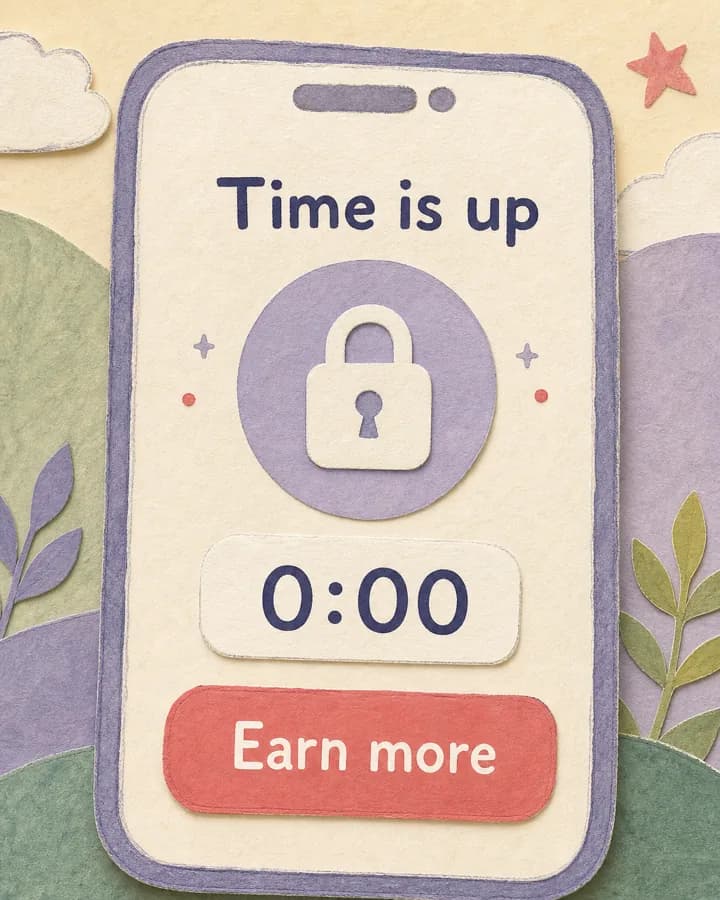
You make the rules, we enforce them.